Crafting Reliable LLM Agents with Pydantic AI: A Step-by-Step Guide
Overview
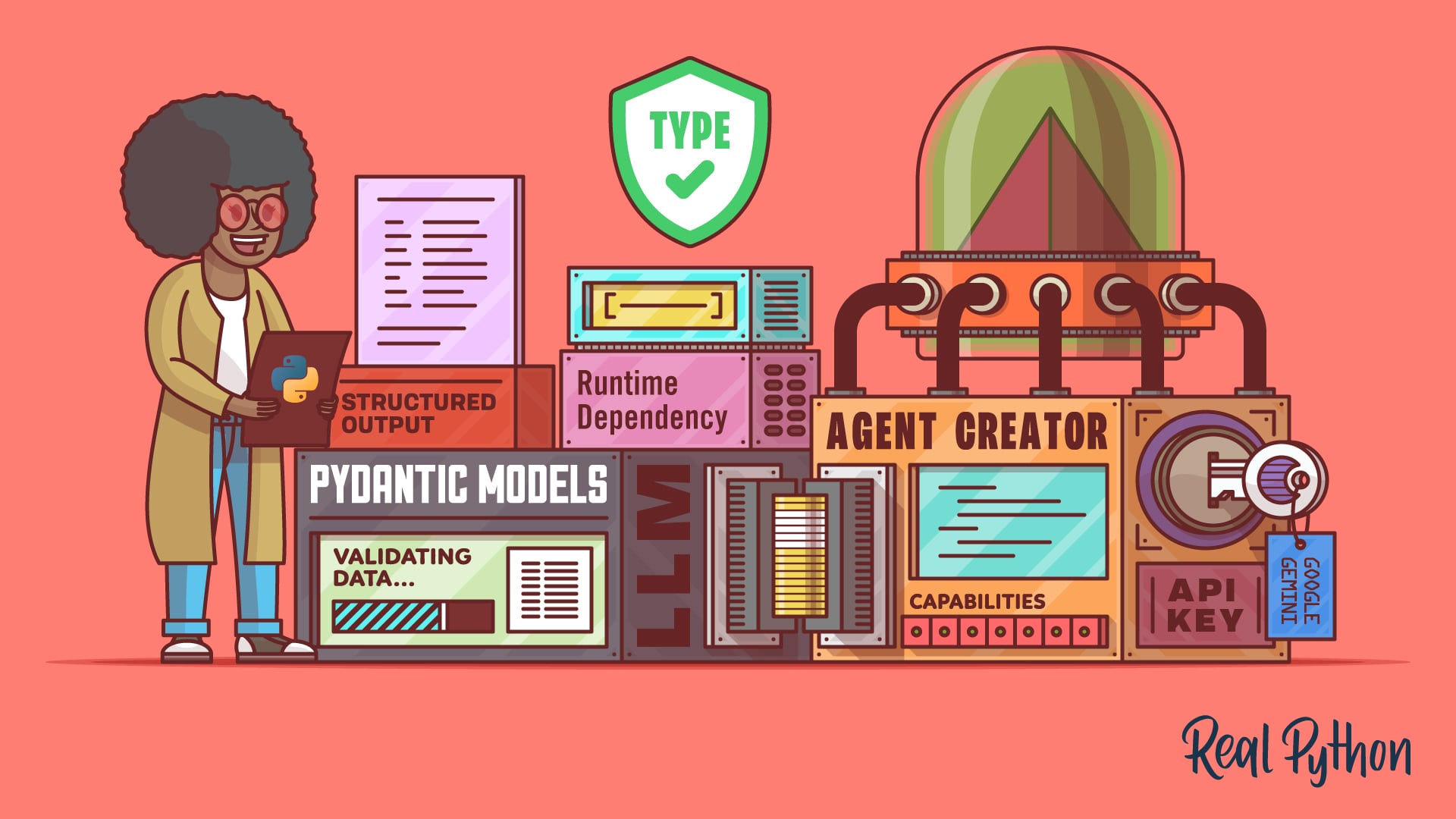
Large Language Models (LLMs) are powerful, but they often return unstructured text that can be unpredictable. Pydantic AI bridges that gap by letting you define exactly what shape the output should take—using the same Pydantic models you already love from FastAPI. Instead of parsing messy strings, you get clean, validated Python objects. This tutorial walks you through building a type-safe LLM agent from scratch, covering schemas, tool registration, dependency injection, and retry strategies. By the end, you’ll be able to create agents that are as reliable as they are intelligent.
Prerequisites
- Python 3.9+ installed
- Familiarity with basic Python type hints
- An API key for at least one supported LLM provider (Google Gemini, OpenAI, or Anthropic)
- The
pydantic-aipackage installed (pip install pydantic-ai) - Optional: experience with Pydantic v2 or FastAPI (helpful but not required)
Step-by-Step Instructions
1. Defining Structured Outputs with BaseModel
Start by creating a Pydantic BaseModel that describes the exact fields and types you want the LLM to return. This becomes your contract with the model.
from pydantic import BaseModel

class WeatherReport(BaseModel):
    city: str
    temperature: float
    condition: str
Each field gets automatic validation—if the LLM returns “warm” for temperature, Pydantic will raise an error and trigger a retry (more on that later).
2. Creating the Agent
Now instantiate a Pydantic AI agent, specifying your model and the desired result type.
from pydantic_ai import Agent

agent = Agent(
    'google-gla:gemini-1.5-flash',
    result_type=WeatherReport,
    system_prompt='You are a helpful weather assistant.'
)
The result_type tells the agent to always produce a WeatherReport object. Under the hood, the framework sends the schema to the LLM and parses the response.
3. Registering Tools with @agent.tool
Tools are Python functions the LLM can call based on user queries. Use the @agent.tool decorator to register them.
@agent.tool
def get_city_coordinates(city: str) -> dict:
    """Get latitude and longitude for a given city."""
    # Simulate a geocoding API call
    return {'lat': 40.7128, 'lng': -74.0060}
The docstring is crucial—the LLM reads it to decide when to invoke this tool. Keep descriptions clear and focused.
4. Injecting Dependencies with deps_type
For runtime context (e.g., database connections, API clients) without global state, use deps_type.
from dataclass import dataclass

@dataclass
class MyDeps:
    db_connection: str

agent = Agent(
    'openai:gpt-4',
    deps_type=MyDeps,
    result_type=WeatherReport
)
Then in your tool, add the ctx parameter:
@agent.tool
def query_database(ctx: RunContext[MyDeps], sql: str) -> list:
    """Execute a SQL query on the weather database."""
    # ctx.deps.db_connection gives type-safe access
    return []
This avoids global variables and makes testing easier.

5. Handling Validation Errors with Retries
When the LLM returns data that doesn’t match your model (e.g., missing fields or wrong types), Pydantic AI automatically retries the query. This increases reliability but also API cost.
agent = Agent(
    'anthropic:claude-3-haiku',
    result_type=WeatherReport,
    retries=3  # default is 1
)
You can adjust the number of retries. Each retry sends the model a new prompt explaining the validation error.
6. Running the Agent
Execute the agent with a user message and optional dependencies.
deps = MyDeps(db_connection='postgresql://...')
result = agent.run_sync('What is the weather in New York?', deps=deps)
print(result.data.city)  # New York
print(result.data.temperature)  # 22.5
The returned result.data is a validated WeatherReport instance, ready to use in your application.
Common Mistakes
- Vague tool docstrings: If the LLM misunderstands when to call a tool, it may ignore it or misuse it. Be explicit about inputs, outputs, and use cases.
- Missing deps_type: Forgetting to set
deps_typeleads to runtime errors when accessingctx.deps. Always define it if your tools need external resources. - Overlooking model compatibility: Not all LLM providers handle structured outputs equally. Google Gemini, OpenAI, and Anthropic work best; others may produce inconsistent JSON.
- Ignoring retry costs: Each retry consumes additional tokens. Monitor your API usage and adjust
retriesbased on your budget and tolerance for errors. - Complex schemas: Overly nested or deeply optional models confuse LLMs. Start simple, test, then add complexity.
Summary
Pydantic AI turns the chaos of LLM outputs into structured, type-safe Python objects. By defining BaseModel schemas, registering tools with @agent.tool, injecting dependencies through deps_type, and leveraging automatic validation retries, you can build agents that are both powerful and predictable. Stick with supported providers (Gemini, OpenAI, Anthropic) for best results, and always watch your retry budgets. Now go forth and craft agents that deliver exactly what you expect.